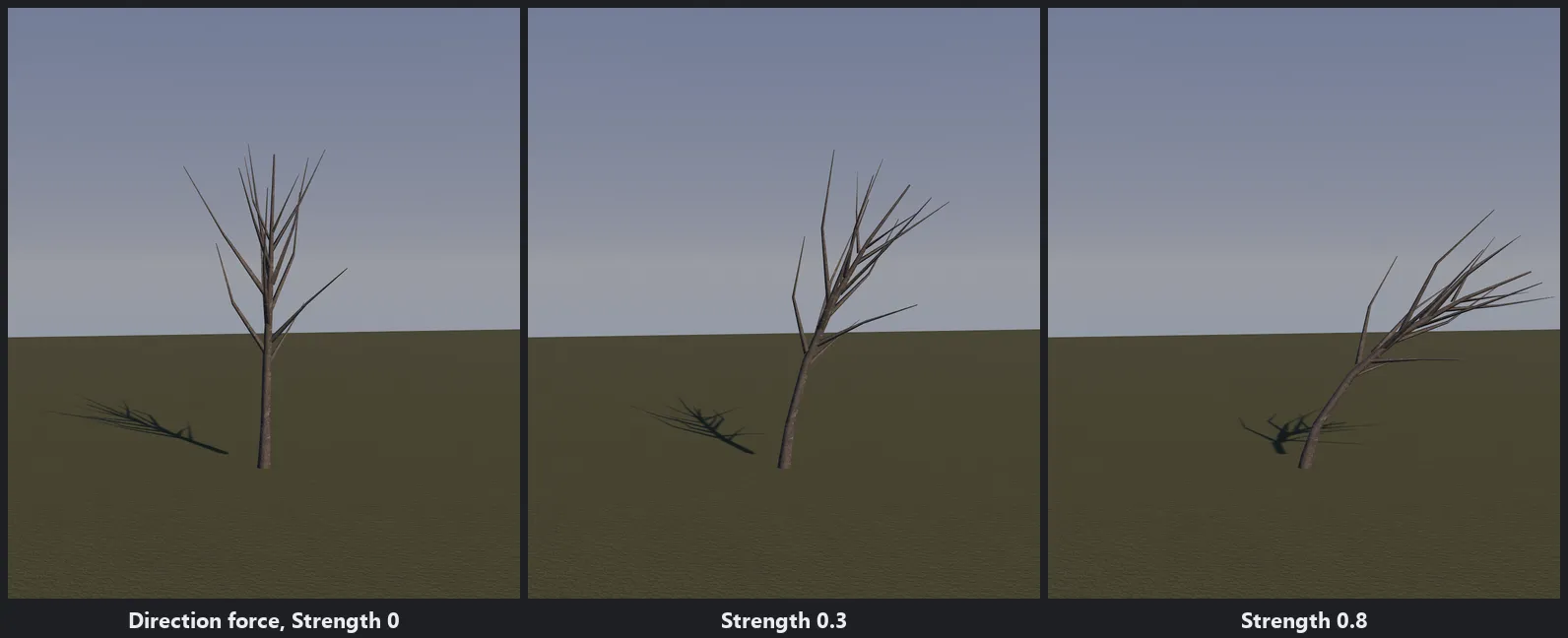
Forces
Forces bend the spines of the branch generators while they grow: wind-swept trees, branches reaching for a gap in the canopy, a crown flattened on one side. Add one with + under the Forces list and pick its type. Select a force to edit it in the Properties tab. In the Lit view its gizmo is drawn over the tree.
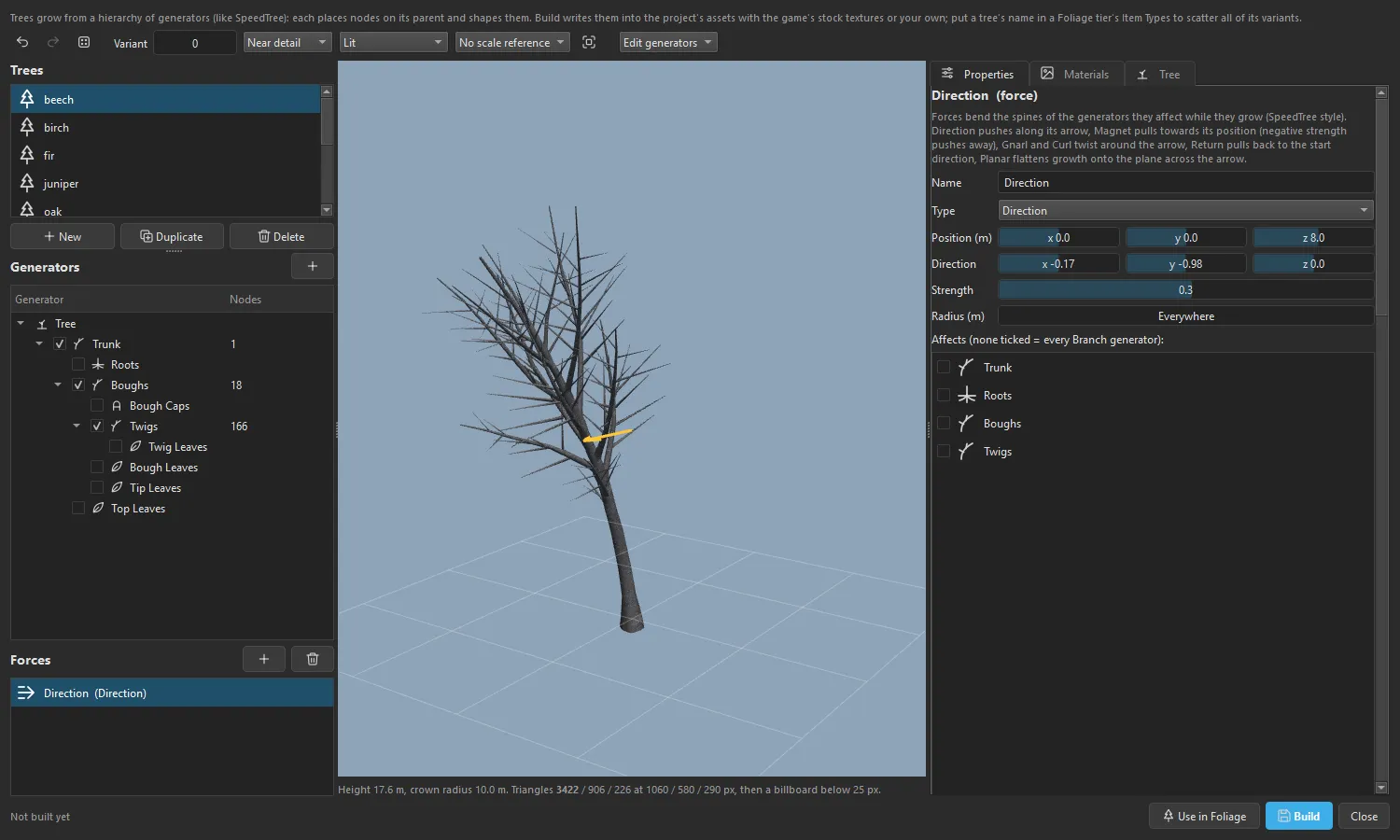
| Type | Effect |
|---|---|
| Direction | Pushes along its arrow. |
| Magnet | Pulls towards its position; a negative strength pushes away. |
| Gnarl | Twists the growth around the arrow. |
| Curl | Curls the growth around the arrow. |
| Return | Pulls each branch back to the direction it started in. |
| Planar | Flattens growth onto the plane across the arrow. |
| Setting | |
|---|---|
| Position (m) | Where the force sits, in metres from the base of the tree (z up). Used by Magnet and by the attenuation. |
| Direction | The arrow. |
| Strength | How strongly it bends. |
| Radius (m) | Attenuation: the force fades out this far from its position. Everywhere (0) applies it to the whole tree. |
| Affects | The generators it bends. With none ticked it bends every Branch generator. |
A generator’s own Force Strength (in its Spine group, with a profile curve) scales how much the forces bend it, so you can leave the trunk upright and let the boughs and twigs give way.